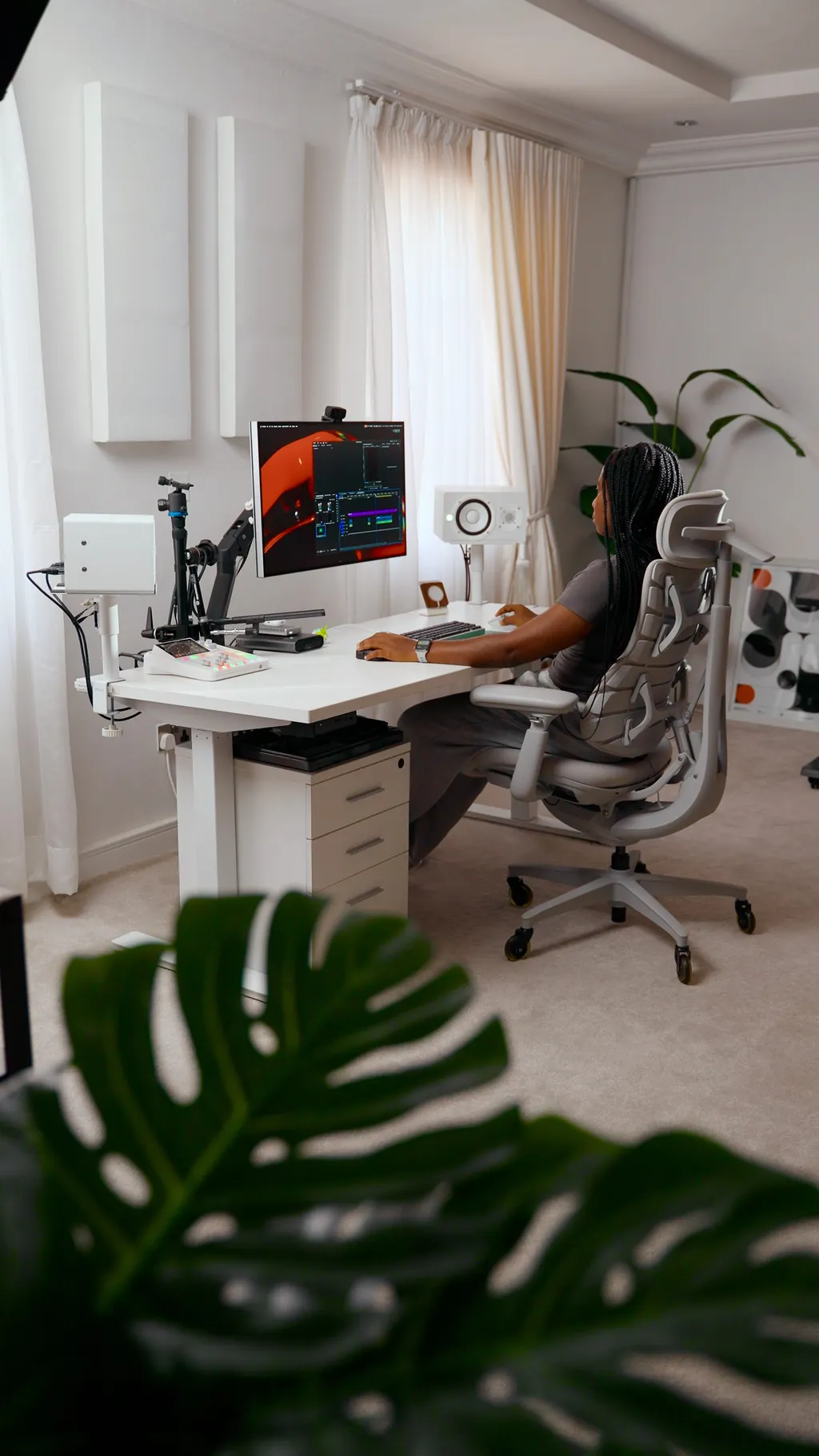
After years of tweaking, upgrading, and occasionally over-engineering my workspace, I decided that I wanted to be intentional about what my next setup would not only look like but help me unlock in day-to-day work and it all came down to asking myself one thing:
Not what looks cool. Not what's trending or what pinterest says a functional desk setup looks like but "What do I sit down and do every single day?" and the answer was simple.
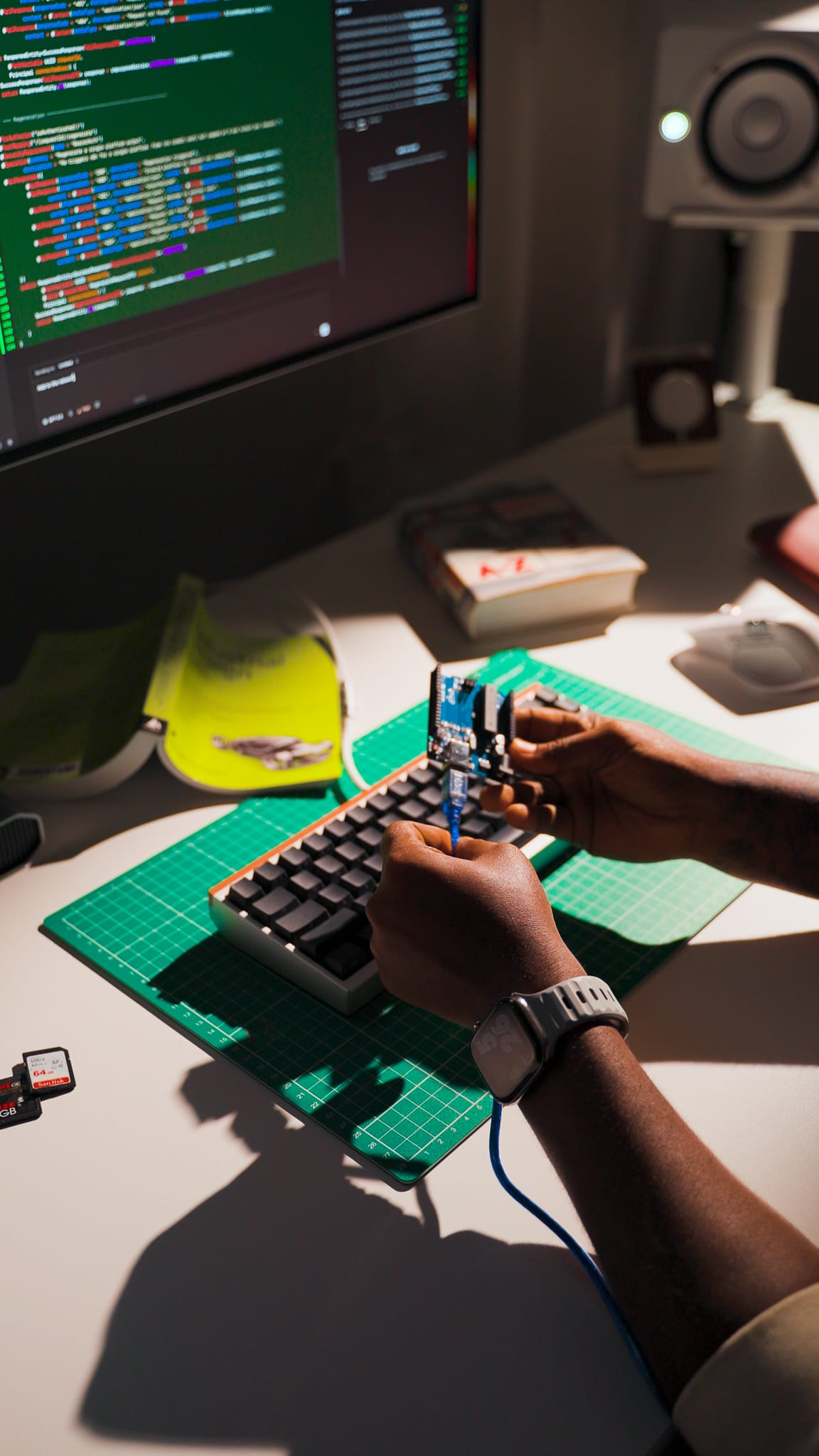
These in rotation, have gradually taken over most of my time. So, I decided to put together a space that lets me do all of these better and faster. Starting with the choices I made about the tech I'll be working with the most.
My rule was simple, if something doesn't serve one of those workflows, it doesn't get a spot. So, here's a breakdown of everything on my desk.
Full Parts List
Monitor: LG UltraFine evo 32U990A-S
Speakers: YAMAHA HS5
Audio Hub: RODE RODECaster Duo Compact
Microphone: Sennheiser MKH 416
Camera: Sony FX3
Camera Desk Mount: NEEWER Extendable Camera Desk Mount
Microphone Magic Arm: Manfrotto 244RC Variable Friction Magic Arm
Webcam: Insta360 Link 2C
SSD Storage: 8TB OWC Thunderbolt 4
18TB G-Drive: SanDisk Professional 18TB G-Drive
Docking Station: CalDigit TS5 dock
Laptop: Apple 2021 MacBook Pro with Apple M1 Max Chip, 16-Inch
Speaker Mounts: VIVO Clamp-on Speaker Stand Desk Mount Set
Monitor Arm: Ergotron – HX Premium Heavy Duty Monitor Arm
Laptop Bracket for Monitor Arm: Ergotron – Mini PC Mount – Add-on for VESA Monitor Arms
The Monitor: 32-Inch LG Ultrafine EVO 6K Monitor
This was the most important decision I needed to make because in the past 5 years, I had mainly stuck with ultrawide monitors specifically 37 to 40 inches because they are undeniably a productivity workhorse. This was golden especially when I worked as a full-time digital product designer. From splitting 2 or more apps on the screen, to editing faster because I could see my entire timeline, I really enjoyed working with ultrawide monitors.
But, lately, a lot has changed especially since I'm now a full-time creator. My 40-inch 5K2K ultrawide monitor (LG 40WP95C-W 40) just took up way too much space and eventually became more of a distraction.
So, I downsized from a 40-inch ultrawide 5K2K monitor to LG's latest 32-inch Ultrafine EVO 6K monitor, and honestly? The whole setup felt a lot better and less cluttered.
The 6K panel is sharp enough that I'm not losing any real estate where it matters; Premiere Pro timelines, Figma canvases, VS Code splits and the desk finally feels like it has room to breathe while unlocking new ways for me to creatively use my desk.
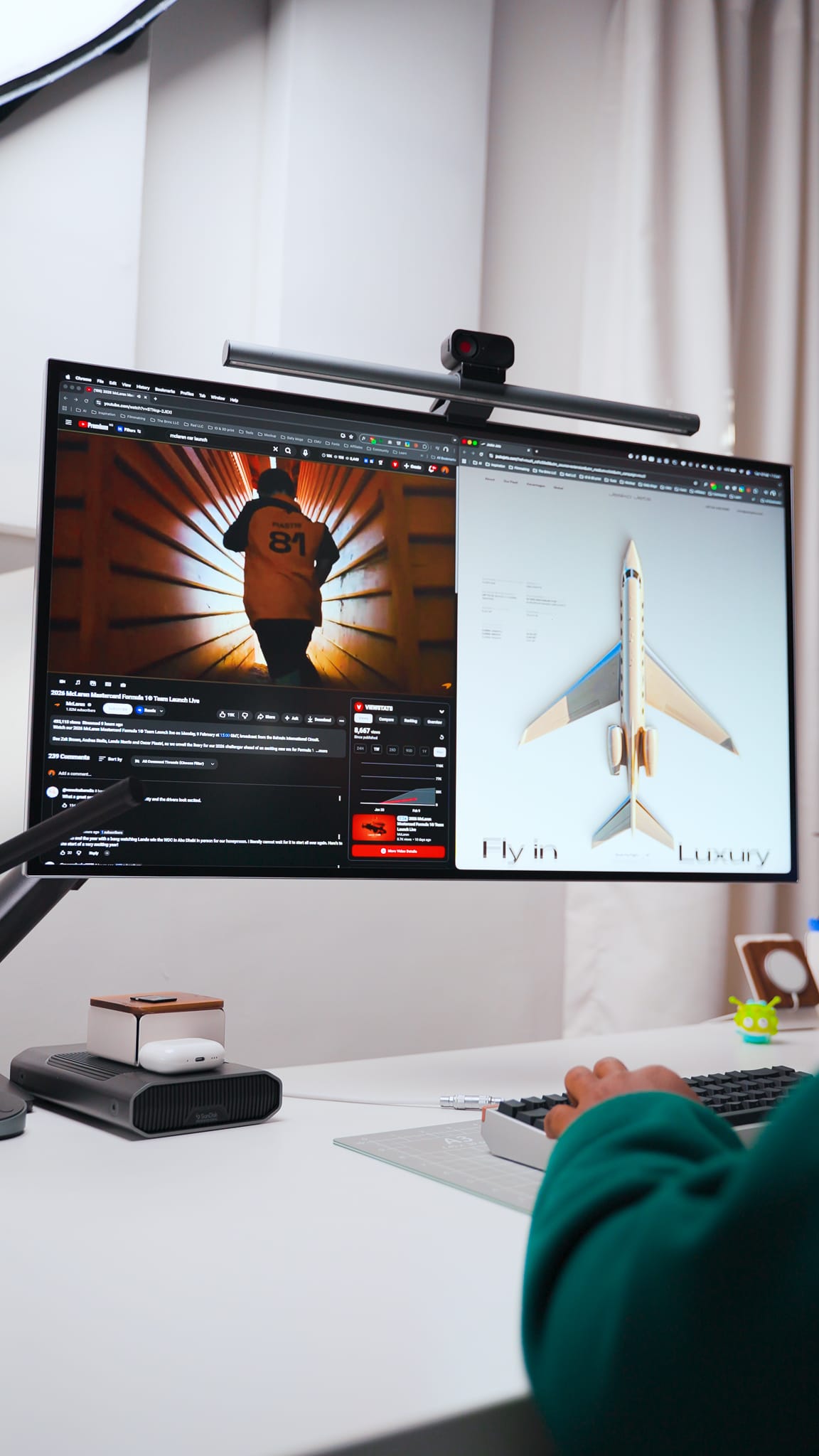
If you're on the fence about going smaller, I'd say try it with higher resolution monitors (5K and 6K compared to 4K). You might not miss the inches as much as you think.
Audio: Yamaha HS5 Speakers + Rodecaster Duo
On either side of the monitor sits a pair of Yamaha HS5 studio monitors, raised off the desk with speaker stands. Two things worth noting here: they sound really good for their size especially for how much they cost, and getting them off the desk surface cleared up way more space than I expected while also reducing vibrations. It also gets the tweeters closer to ear level, which is where you actually want them for mixing.
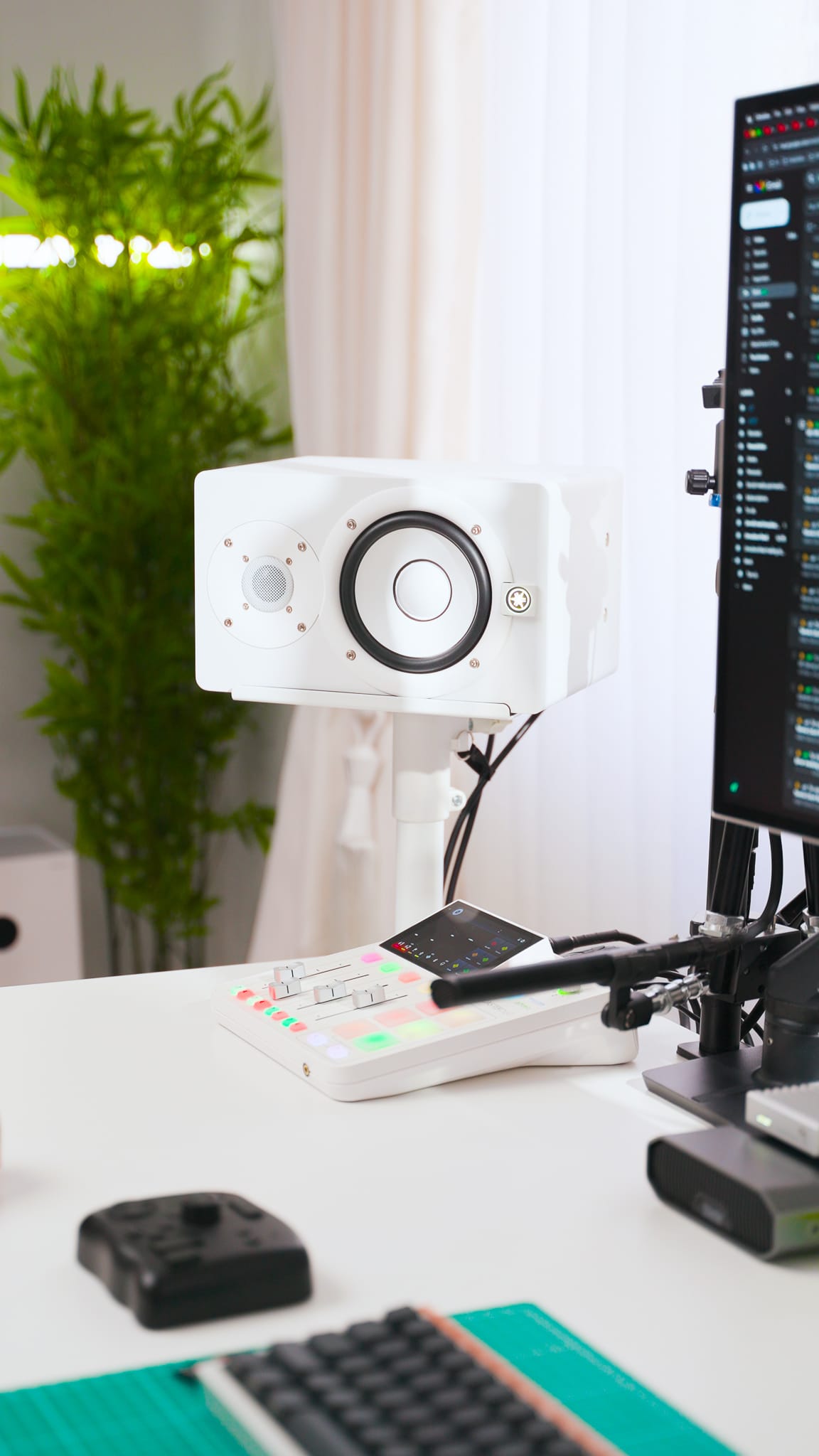
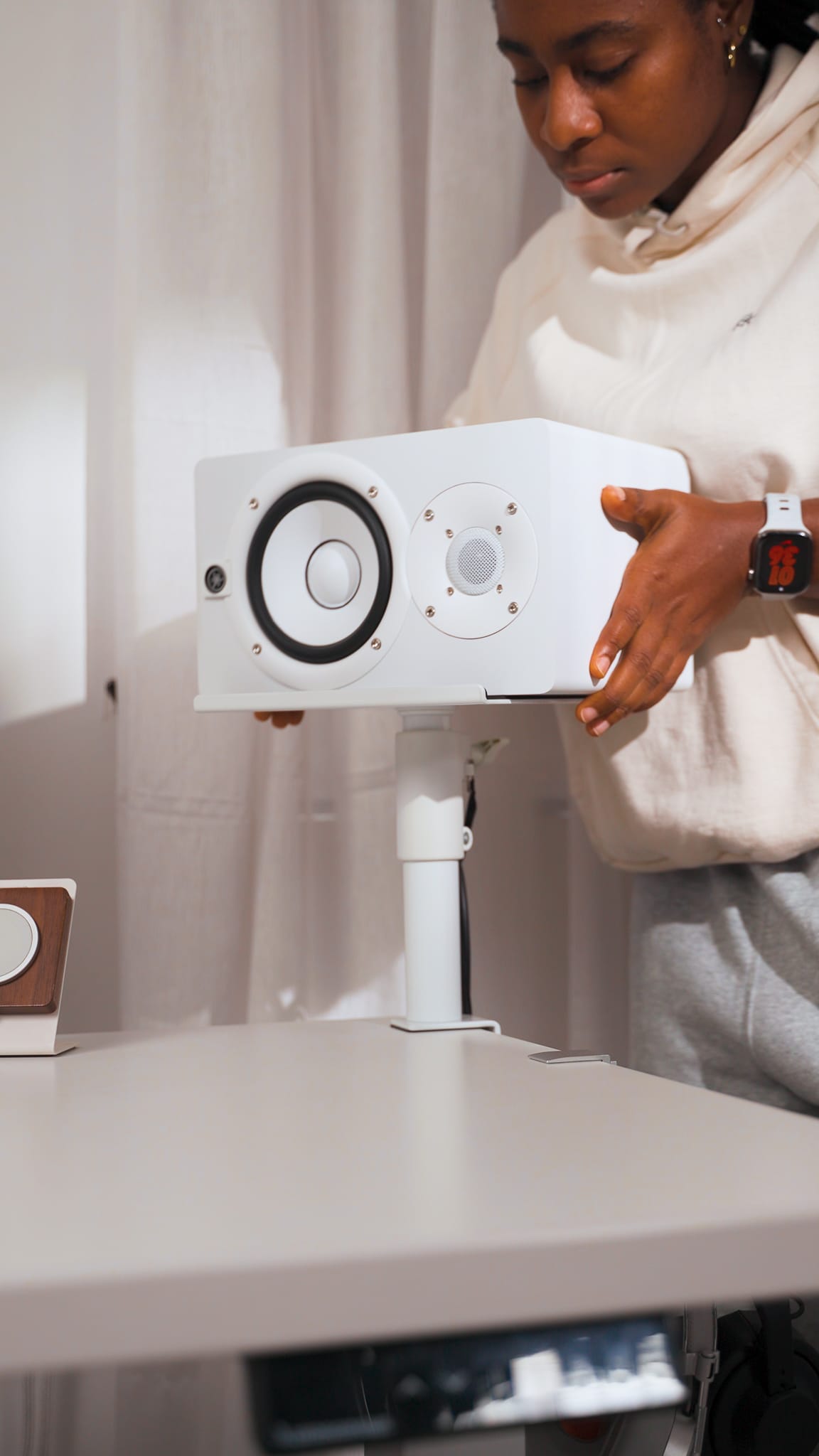
Yamaha HS5 Speakers
The speakers, my recording microphone, all of it runs through the Rodecaster Duo. The Rodecaster Duo is basically the central hub for every audio device on the desk. One interface handling playback, recording, and routing means fewer cables and minimal audio tweaks when editing videos.
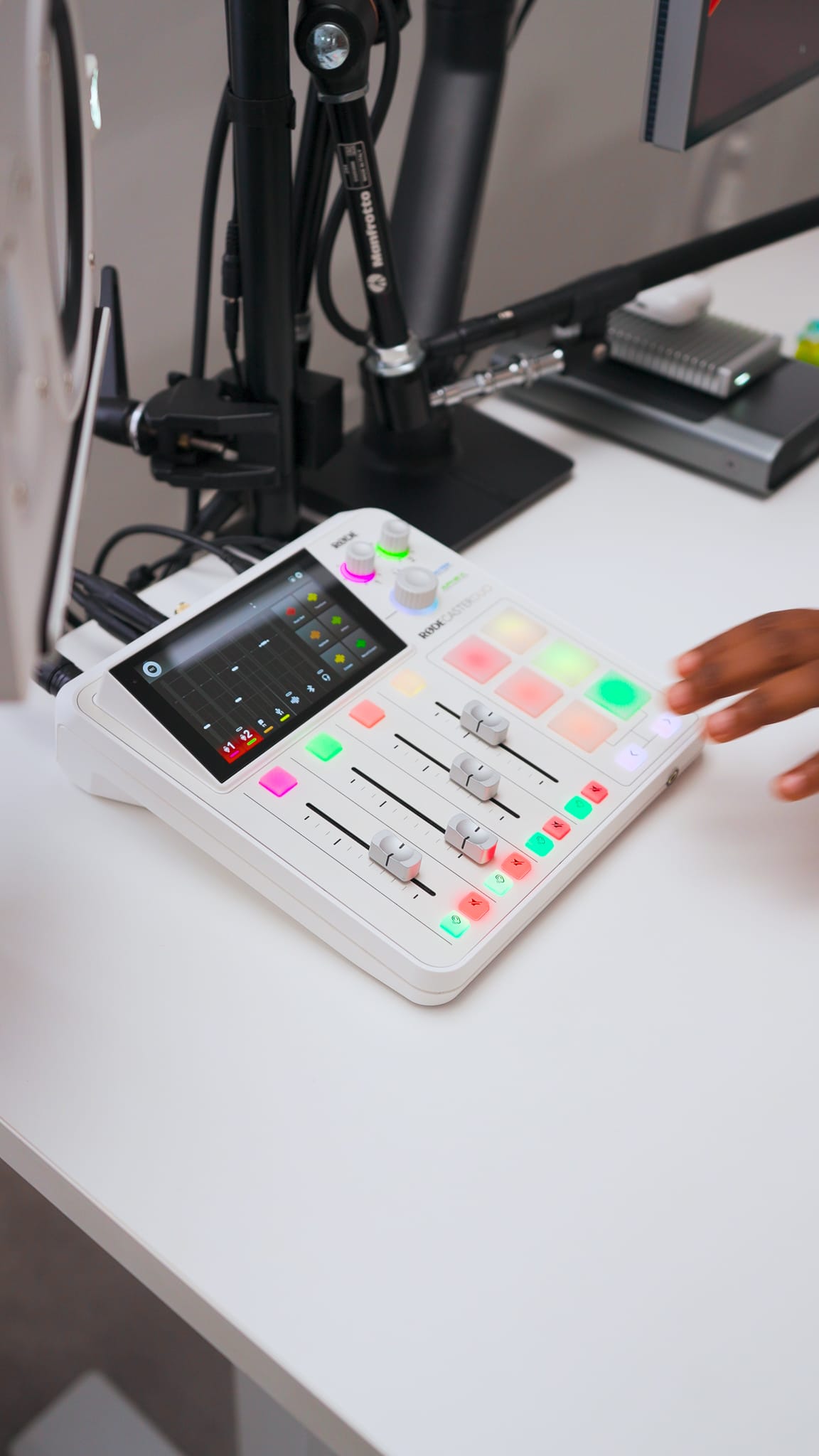
Camera and Microphone: Always Ready to go
My main camera (Sony FX3) and microphone (Sennheiser MKH 416) are both mounted to a desk pole (NEEWER Extendable Camera Desk Mount) that's clamped to my desk. The beauty of this is that when I need to film something at my desk, I'm not scrambling to set up a tripod or clamp a mic arm into position. It's just... there. Ready to go.
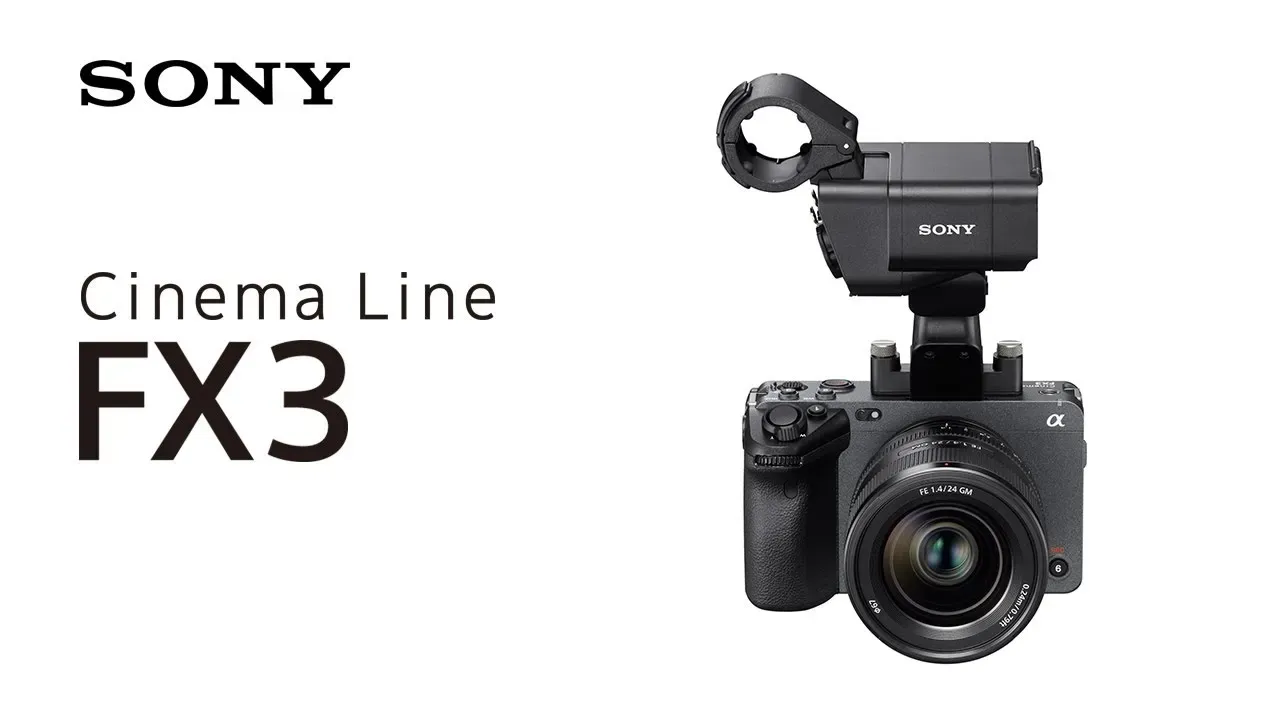
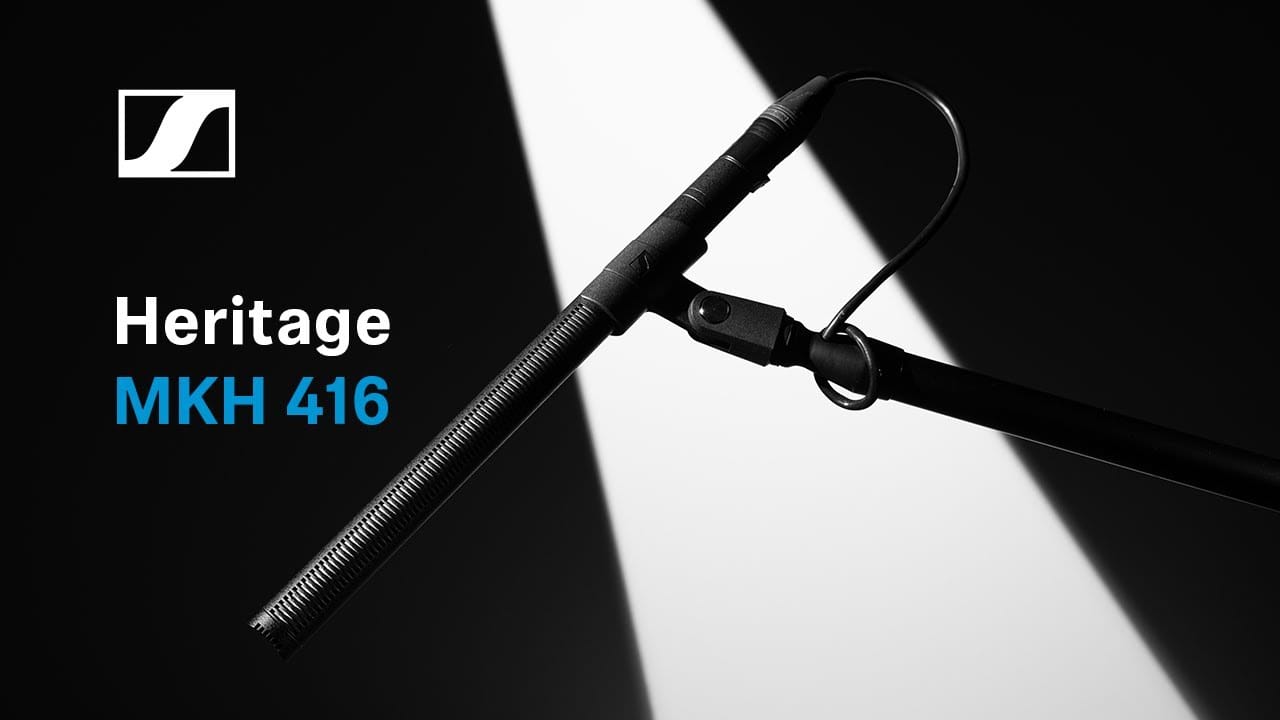
Sony FX3 (Left) and Sennheiser MKH 416
But here's the thing, I don't use that camera for video calls because I prefer to look directly at my screen during virtual calls rather than having the camera angle that's off to the side. For calls and meetings, the Insta360 Link 2C handles everything. It's connected directly to the monitor, stays out of the way, and the tracking and image quality are more than enough for a Zoom or Google Meet window. Dedicated tools for dedicated tasks.
Storage: 8TB Thunderbolt 4 SSD + 18TB SanDisk G-Drive
All of my active video project files live on an 8TB Thunderbolt 4 SSD. While design assets, code repos, and everything else stays on my Macbook's 4TB and backed up to the 18TB SanDisk G-Drive (Currently not the best storage solution especially for my video files but it works for now).
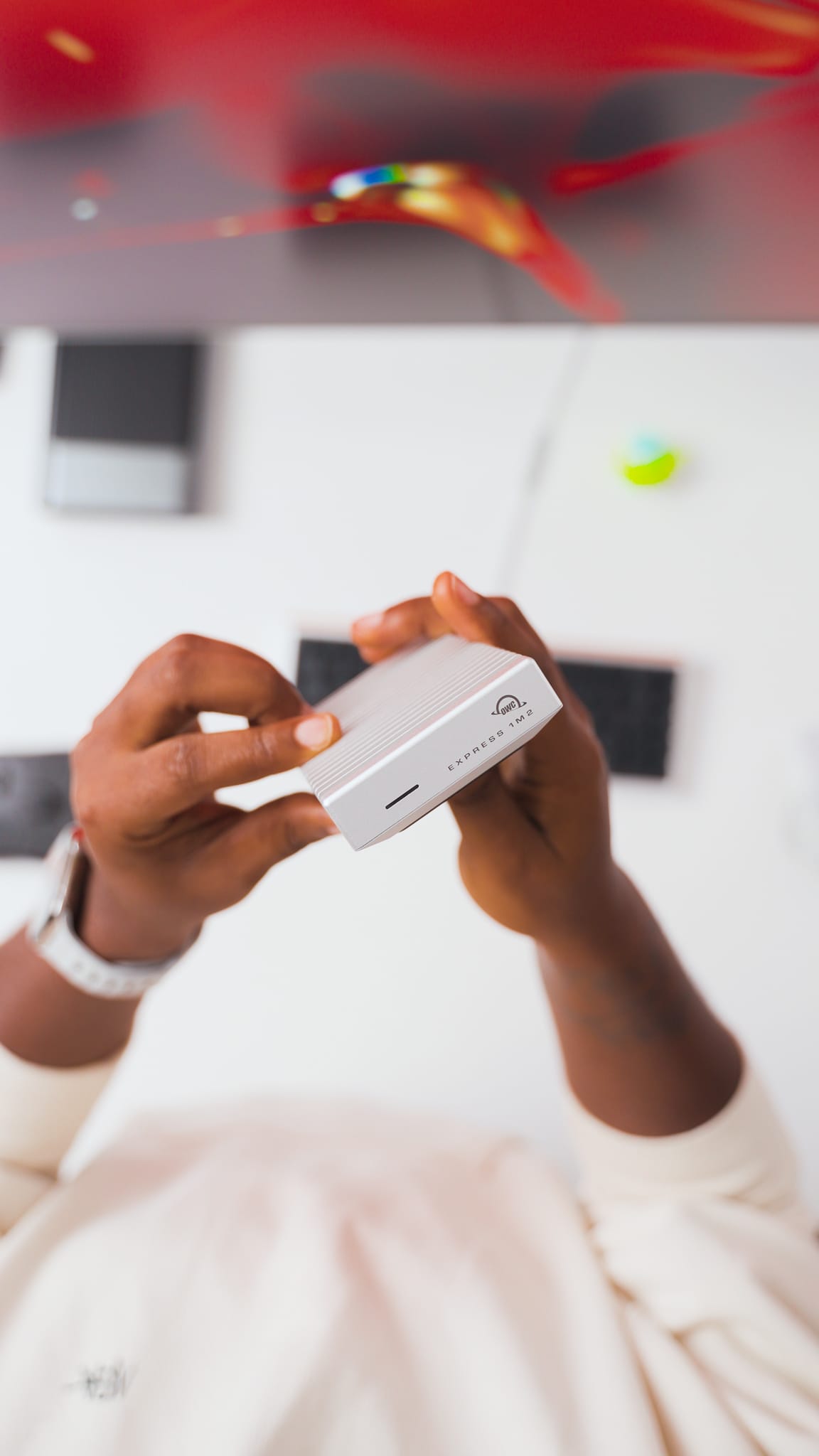
Thunderbolt 4 speeds mean I'm editing directly off the drive with zero lag, and having a single external volume keeps my MacBook's internal storage clean. When a project wraps, it gets archived on the SanDisk G-Drive. Simple system, no clutter.
The Hub: CalDigit TS5 Thunderbolt Dock
Every single thing on this desk connects through the CalDigit TS5. Monitor, speakers, SSD, webcam, Macbook, all of it runs through one dock, which means my MacBook connects to the entire setup with a single cable.
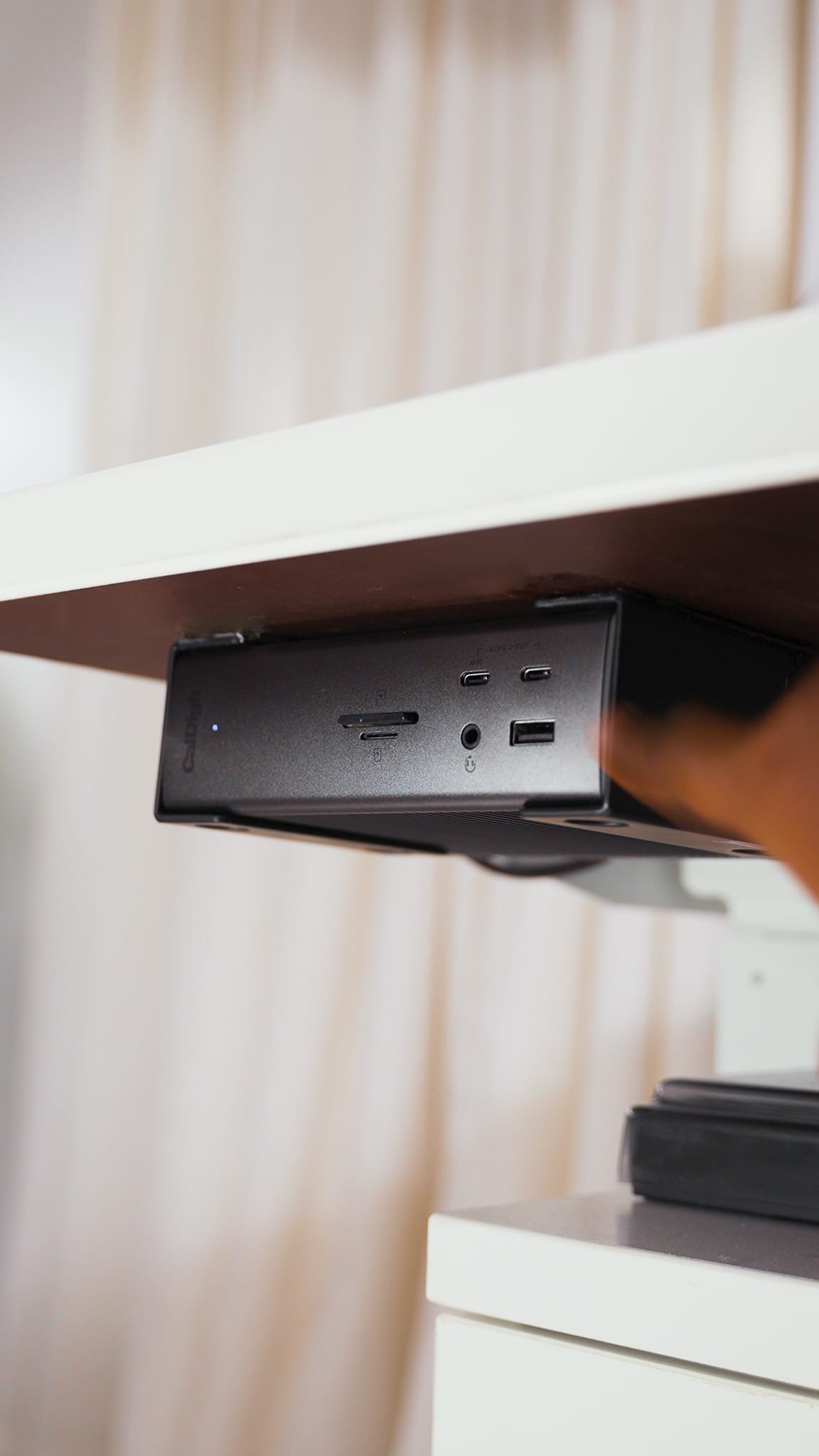
If you've ever dealt with a rats nest of dongles and adapters on a Mac setup, you already know why this matters. One cable in, everything works and one cable out, I'm mobile and can work from anywhere, which is why I chose to power my entire desk setup using a Macbook.
The Brain: M1 Max MacBook Pro
Powering all of this is my M1 Max MacBook Pro. Yes, it's old and there are newer chips out now. No, I don't feel the need to upgrade yet especially because mine is maxed-out;
- Apple M1 Max Chip
- 16-Inch
- 64GB RAM
- 4TB
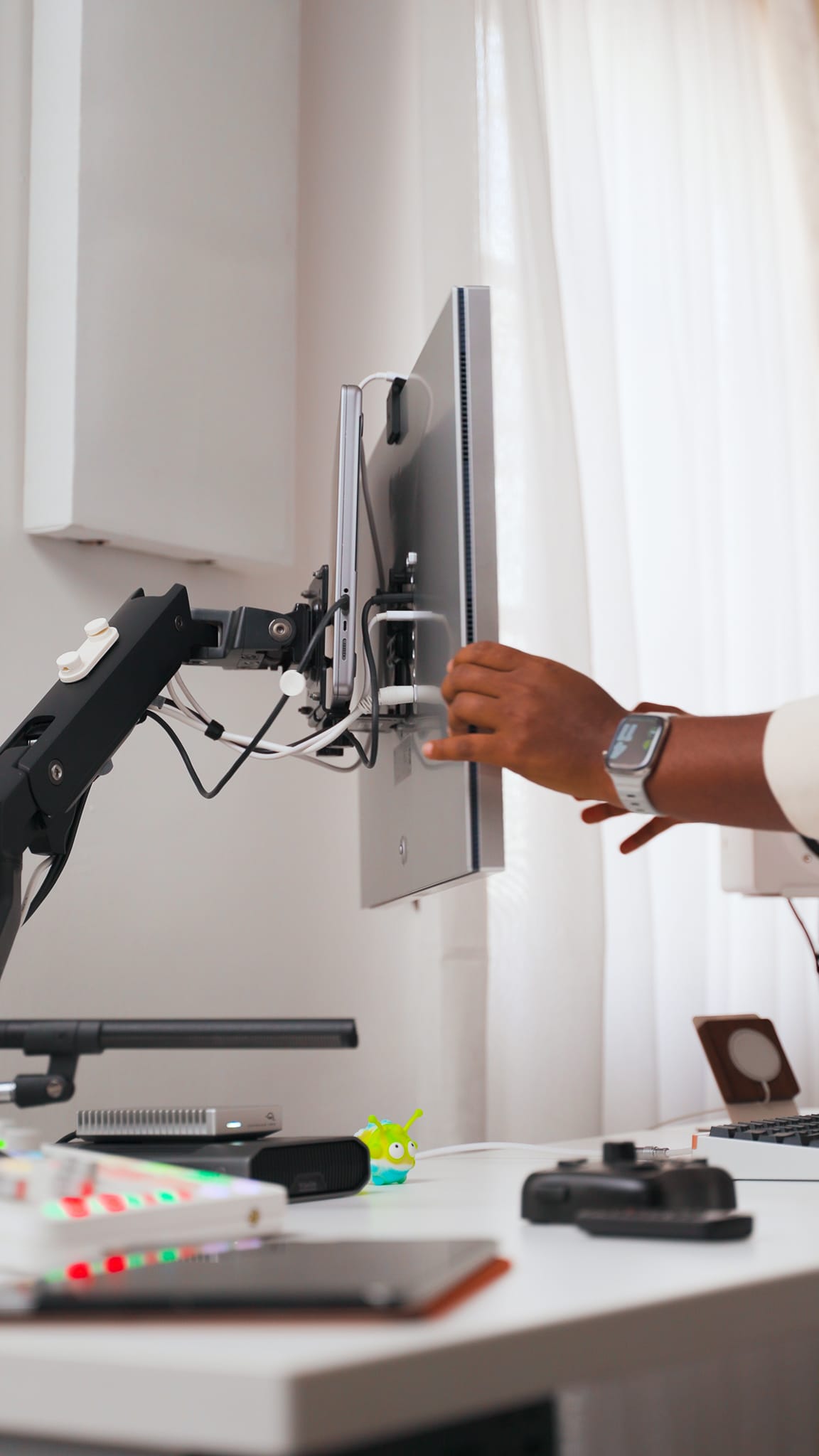
The M1 Max still handles 4K and 6K timelines, runs Figma and Fusion 360 without flinching, and barely gets noisy doing it. It pretty much still keeps up with everything I throw at it, even though its a couple of years old now.
The Little Detail That Matters Most
There's one more thing on the desk that doesn't plug into anything or show up on a spec sheet. It's this cute toy I picked up as a souvenir while on a trip, that sits underneath my monitor to remind me to step back and relax on those days when I lose track of time.
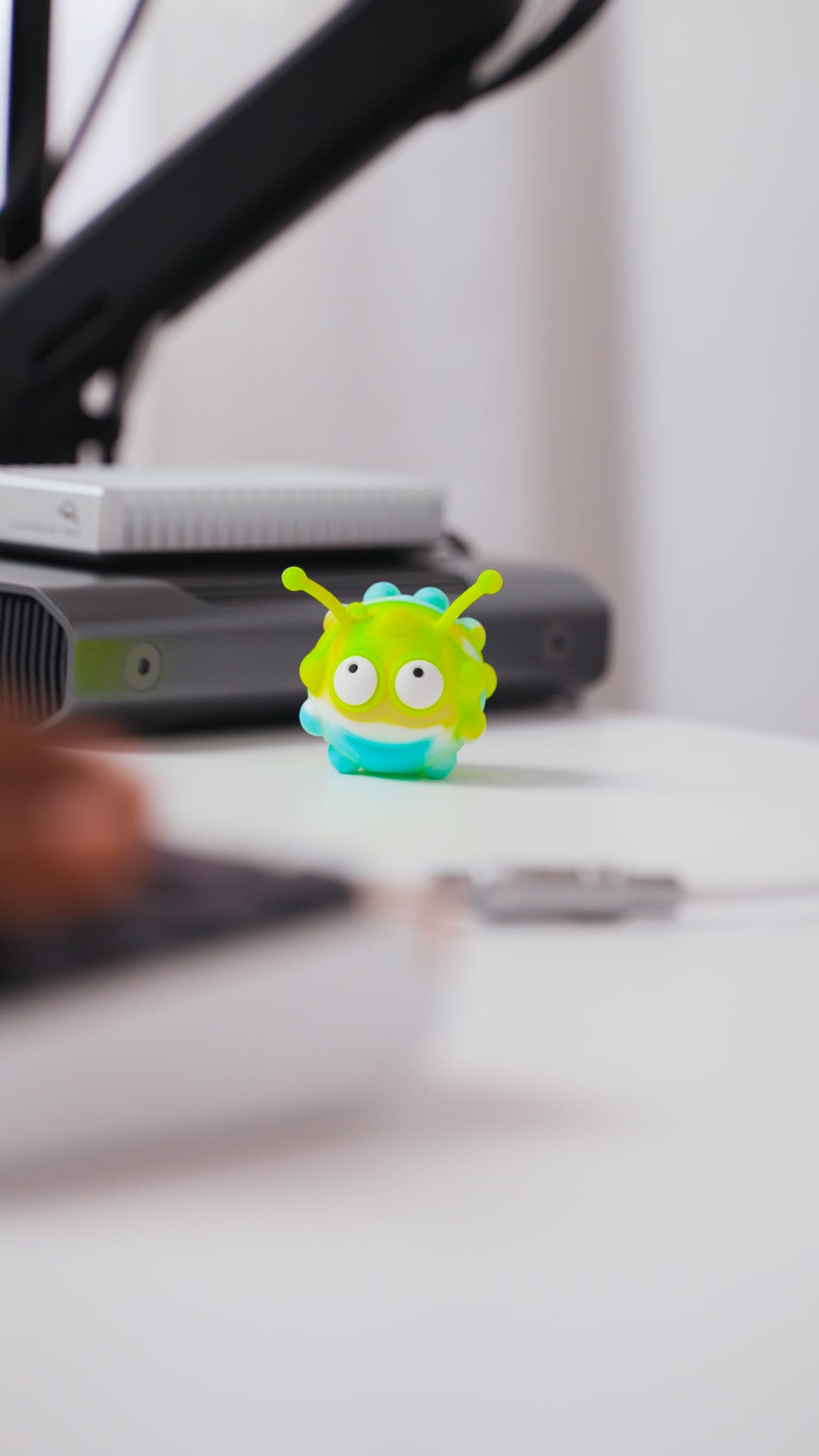
It sounds silly, but while I like a clean, functional and minimal setup, I think its also important to add some personal touches or reminders that make you feel good and boosts your motivation.
Why This Setup Works (for Me)
This isn't a "best desk setup" list. It's the "desk setup for how I'm currently working" list. Every item here was chosen because it answers that original question: What do I actually do here?
The setup evolves as my work evolves. New interests show up, old tools rotate out. But right now? This is exactly where I want it to be.